The 7en API uses API key authentication. Keys grant read and write access across all available APIs in your workspace. You can create and maintain multiple active keys simultaneously to support seamless rotation.
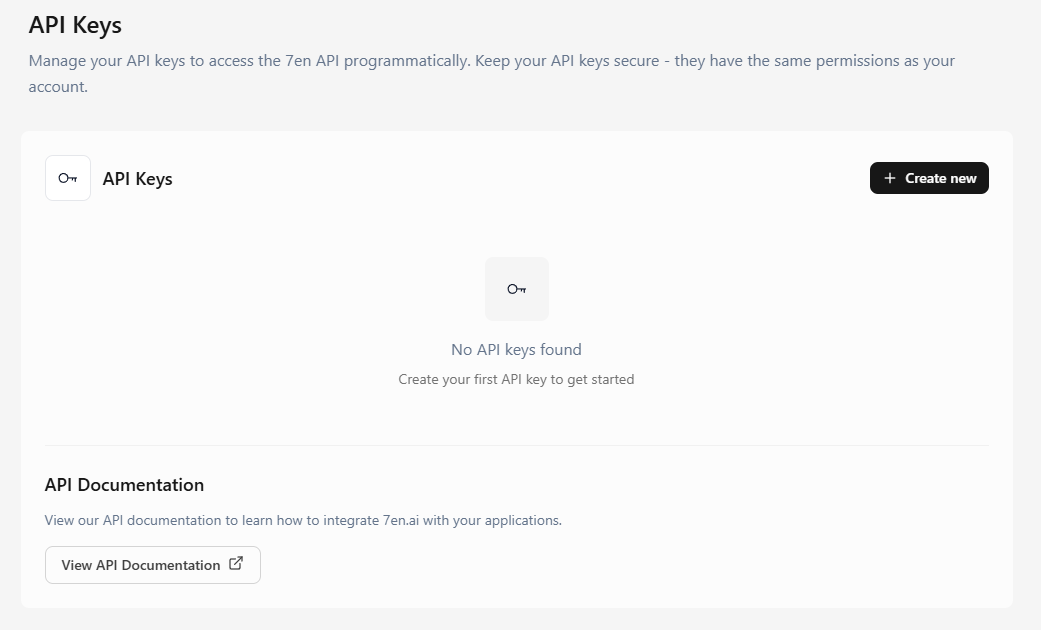
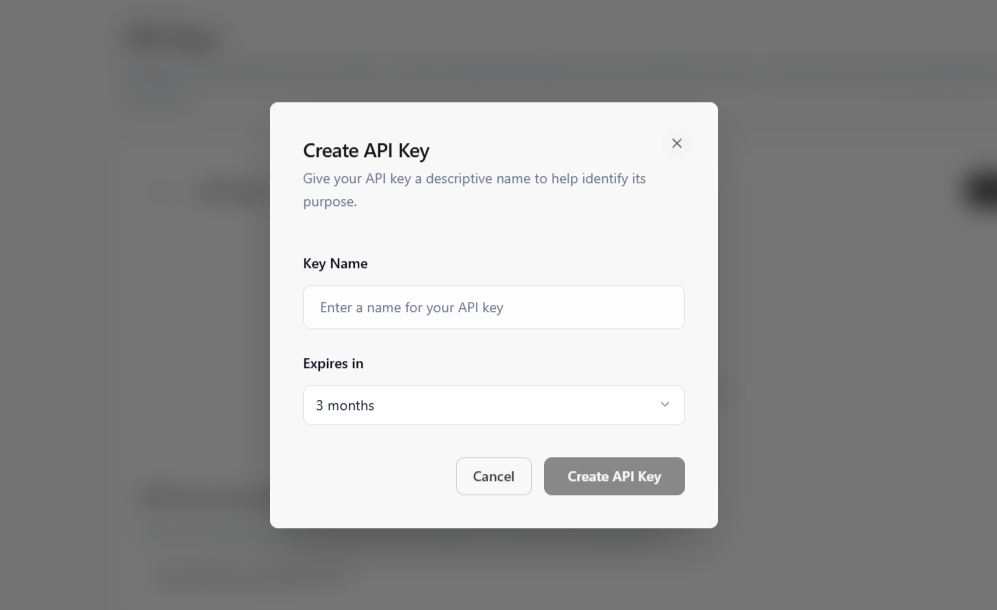
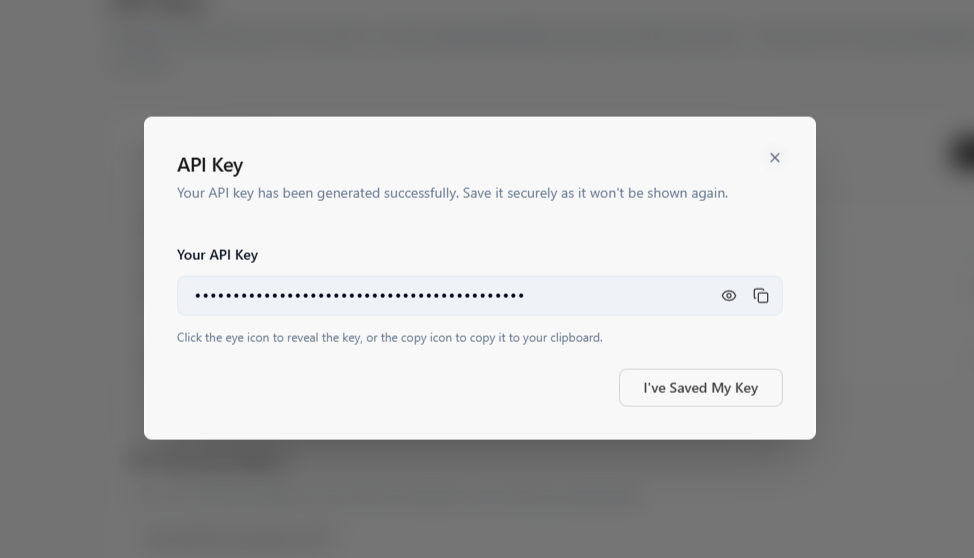
Your API key is displayed once at creation. If you lose access to it, you will need to create a new one. Keep your key secret — it grants full access to your workspace.
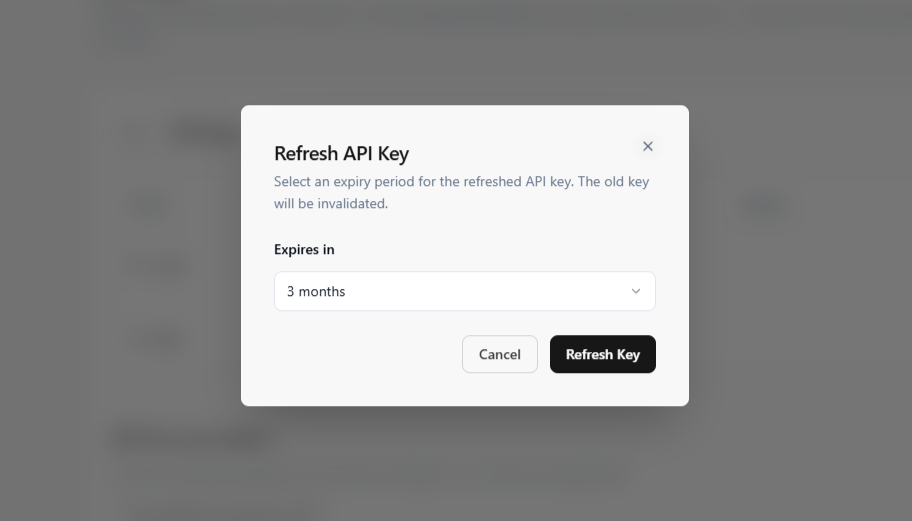
If your API key is compromised or you need to rotate it, you can refresh it. A new key will be generated and the old key will be invalidated.
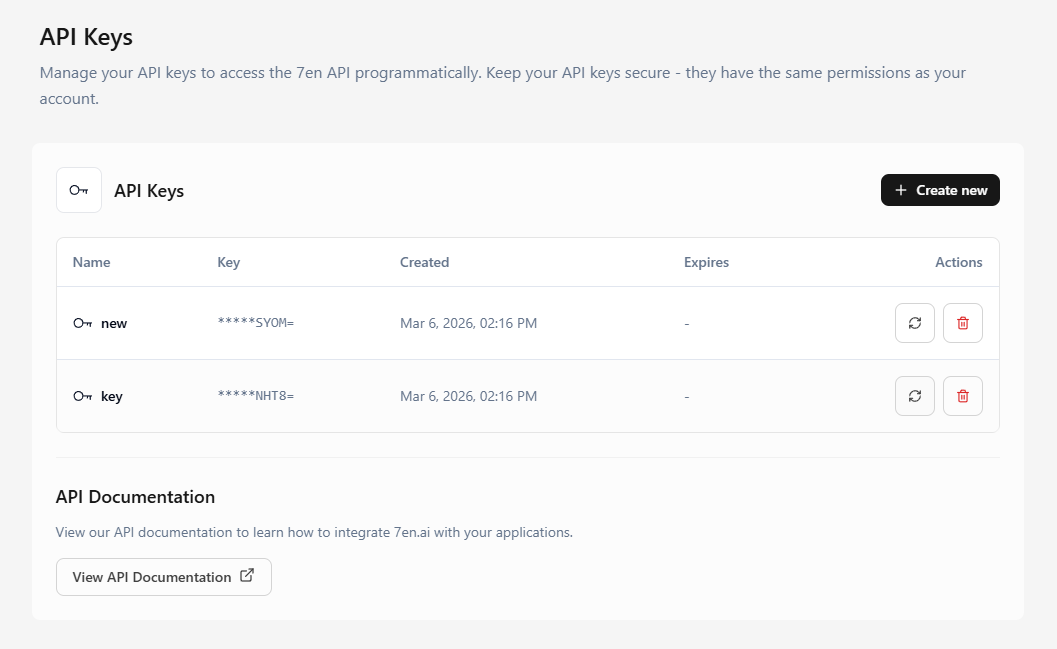
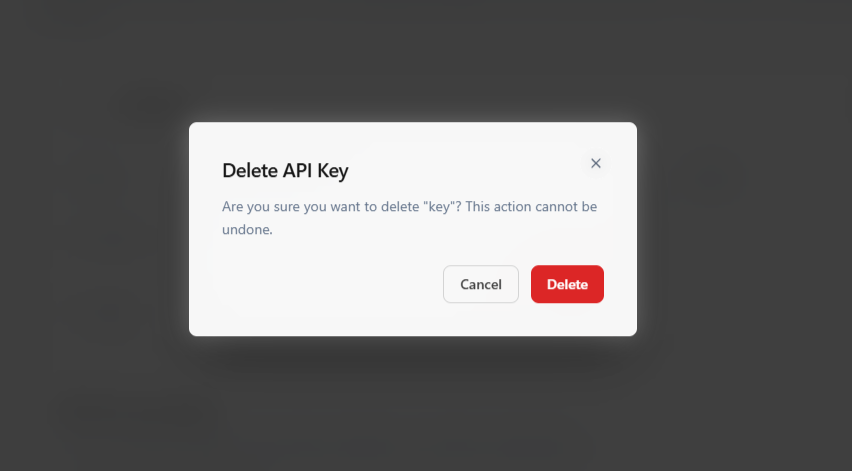
If your API key is compromised or you need to revoke it, you can delete it. A new key will be generated and the old key will be invalidated.
To authenticate your requests, you have to send your API key in the Authorization header in all requests to the API. Without it, your requests will fail.
api keyrequiredYour 7en API key. Example: Api-Key 43NKLN3LKN4nlkn
| Status | Description |
|---|---|
401 | The API key is required |
404 | API key expired |
403 | Invalid, or revoked API key |
429 | Rate limit exceeded |
500 | Server error |
.env files committed to version control.Start building intelligent AI agents to engage with customers.