The Knowledge page serves as a centralized library for all your AI agents' training data. While you can add sources during the initial build, this dashboard allows you to audit, update, and manage that information efficiently post-deployment.
Your training data is automatically organized to ensure data isolation between different bots.
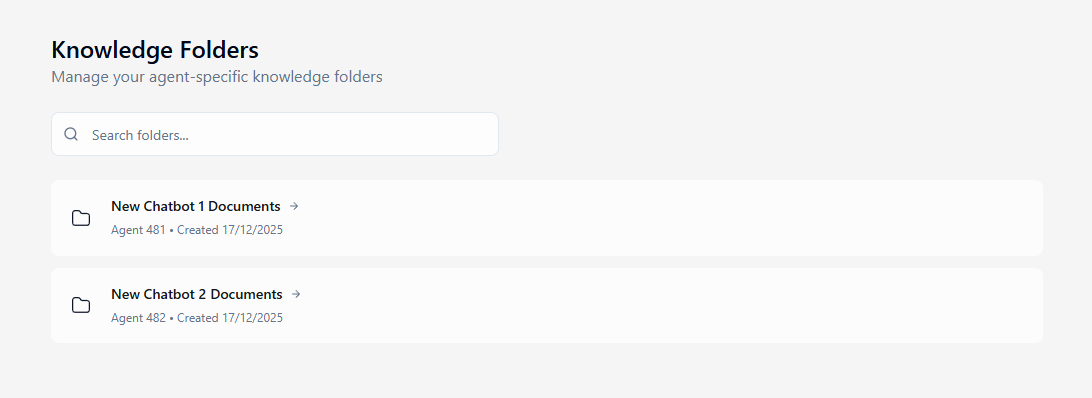
Automatic Organization: Whenever you create a new agent, the system automatically generates a dedicated "Knowledge Folder" for it (e.g., "Agent 1 Documents").
Folder Navigation: The main view lists all your active agent folders. You can use the search bar to quickly find a specific agent's folder by name.
Access: Simply click on a folder card to open the detailed management view for that specific agent.
Start building intelligent AI agents to engage with customers.